
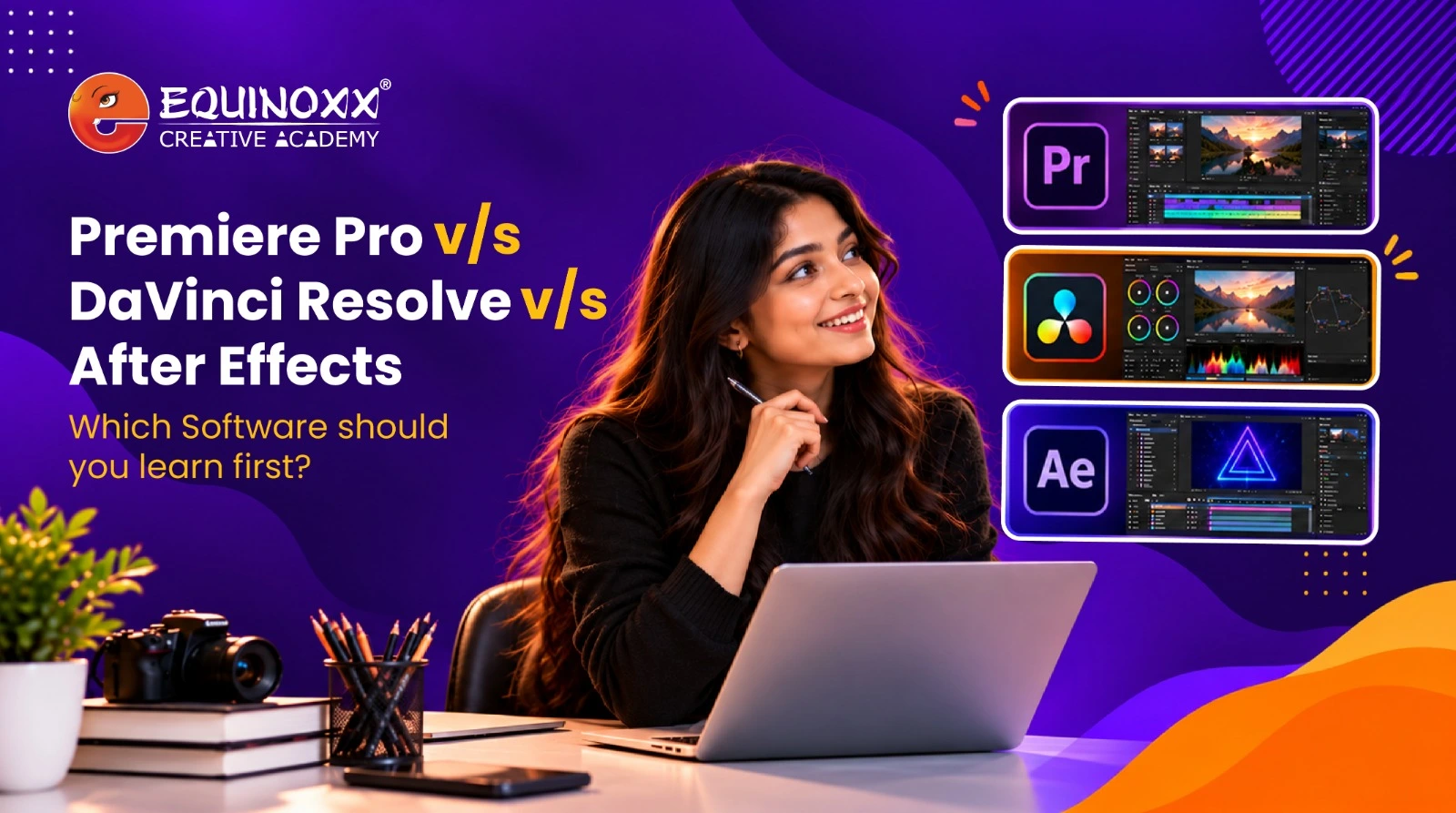
You open YouTube to learn editing. One video says Premiere Pro is a must. The next one swears by DaVinci Resolve. A third keeps talking about After Effects. Thirty minutes later you have learned nothing and you are more confused than before.
So let us settle it. You do not need all three on day one. You pick one, get good at it, then add the next one in the right order. This guide gives you that order in plain language, plus a simple plan for your first year. And if you would rather learn it properly with a trainer, a structured video editing course in Ahmedabad can save you months of guessing.
What Premiere Pro, DaVinci Resolve and After Effects Do
Here is the thing nobody tells beginners clearly. These three are not rivals fighting for the same job. They each do something different. Once you see that, the choice gets a lot easier.
Premiere Pro
Think of Premiere Pro as the cutting room. You drop your clips on a timeline, trim them, add music, fix the audio, drop in transitions, and export. It is fast, it feels natural, and most Indian studios, agencies, and YouTubers run on it. This is why hiring posts ask for it so often.
DaVinci Resolve
Resolve started as a colour grading tool used on actual films, then grew into a full editor. It cuts, edits, grades colour, cleans audio, and does effects, all inside one app. The best part for students? There is a genuinely powerful free version with no time limit. For anyone watching their budget, that is a big deal.
After Effects
After Effects is not for editing full videos. It is for making things move. Animated titles, logo reveals, lower thirds, visual effects, that satisfying motion you see in reels and ads. This is the home of motion graphics, and it is a specialist skill you add on top of editing, not the place you begin.
Premiere Pro vs DaVinci Resolve vs After Effects
Here is the whole thing at a glance.
| Premiere Pro | DaVinci Resolve | After Effects | |
| Main job | Editing and storytelling | Editing plus colour grading | Motion graphics and VFX |
| Best for | YouTube, ads, studio work | Film, colour work, free users | Animated titles, effects |
| Cost | Paid subscription | Free version, paid Studio | Paid subscription |
| Learning curve | Easy to pick up | Moderate | Steeper, more technical |
| Good first choice? | Yes | Yes | No, learn it later |
Short version: start with an editor, which means Premiere Pro or DaVinci Resolve. Save After Effects for when you have real editing under your belt.
Which One Should You Learn First?
Learn a full editor first. Not After Effects.
After Effects is brilliant, but starting there is like learning fancy brush strokes before you can draw a basic shape. You will struggle, and you still will not know how to cut a simple video.
Now, between the two editors, pick based on where you are:
- Want a job at an agency, studio, or most workplaces in India? Go with Premiere Pro. It shows up in job listings more than anything else, so it opens doors faster.
- Learning at home on a tight budget? Go with DaVinci Resolve. The free version is the real thing, not a trial, and it teaches you colour grading as a bonus.
- Dreaming about flashy effects and animated titles? Still start with an editor. Add After Effects a few months in, once the basics feel easy.
Either editor is a fine first step. The worst move is trying to juggle all three at once and burning out.
The Fastest Way to Learn: Do It in This Order
This is the part most guides skip. Knowing which software to pick means nothing without a plan. And the good news is, you learn faster when you stop jumping between tools. So here is the quick order that works for most beginners taking video editing classes in Ahmedabad or learning on their own.
Start with one editor, nothing else. Pick Premiere Pro or Resolve and stick with it. Learn to cut clips, trim, sync music, balance audio, add clean transitions, and export properly. Then make three or four tiny real projects. A reel, a vlog edit, a short ad. Finished beats perfect.
Next, polish. Add colour correction and grading, cleaner sound, and neat titles. Start saving your best work in one folder. That folder becomes your portfolio, and a portfolio gets you hired far more than any certificate.
Then add motion. This is where After Effects enters, and where motion graphics classes actually pay off. Animated titles, logo reveals, simple VFX. Now you are not just an editor, you are a complete creator.
Follow this order and the overwhelm disappears. You pick up the basics quickly, then stack the rest on top. A good course simply turns this into a guided path with feedback, so you are not fixing bad habits later.
Doubts Every Beginner Has Before Starting
Let us clear the questions that stop people before they even begin.
“Do I need an expensive laptop?” Not to start. Premiere Pro runs fine on a decent mid range machine. Resolve likes a stronger graphics card, especially for heavy colour work, but you can begin modestly and upgrade when the money comes in.
“Is one software enough to get a job?” Yes, to get started. Most freshers get their first break on strong editing skills plus one tool. You grow the rest on the job. Nobody expects a beginner to know everything.
“Will AI take over video editing?” No, and this matters in 2027. AI now handles the boring stuff faster, auto cutting, subtitles, rough colour, masking out subjects. What it cannot do is decide what makes a story land. Editors who use these AI tools are more hireable, not less. The craft stays human.
“Am I wasting time learning two tools?” Not at all. They do different jobs. Together they make you someone a studio actually wants to pay.
Learn Video Editing the Right Way at Equinoxx Creative Academy
Figuring all this out alone is doable, but slow. A structured path with a trainer who has done real work saves you from the dead ends.
Equinoxx Creative Academy has been training creative talent for 18 years and has taught over 10,000 students. It is also an Adobe, Canon, and Wacom authorised training centre, which the brochure notes is the only one of its kind in Gujarat. That means you learn on industry standard tools with faculty who bring real teaching and production experience.
As a video editing institute in Ahmedabad, Equinoxx runs a Video Editing, Compositing and Motion Graphics certificate that follows exactly the order this blog recommends. You learn Premiere Pro, DaVinci Resolve, and After Effects, build a portfolio and showreel, and get placement assistance toward roles like Video Editor, Compositor, and Motion Graphics Artist. The video editing classes in Ahmedabad here are built around doing real work, not just watching.
FAQs
Which is easier for beginners, Premiere Pro or DaVinci Resolve?
Premiere Pro feels a little friendlier at first. Resolve is still very learnable, and its free version makes it a great starting point if cost is a concern.
Should I learn After Effects before Premiere Pro?
No. Learn a full editor first. After Effects is a specialist motion graphics tool that makes much more sense once your editing basics are solid.
Is DaVinci Resolve really free?
Yes. There is a full free version with no time limit. The paid Studio edition adds extra features, but the free one is enough to learn and even work on.
How long does a video editing course in Ahmedabad take?
It varies by depth. The Equinoxx Video Editing, Compositing and Motion Graphics course covers all three major tools along with a portfolio, so you come out job ready.
Pick one tool, learn it well, then add the next in order. That simple path turns a confusing choice into a real skill, and a career.